
Accounting
GARAGIS exports your invoices and payments as CSV. Your accountant keeps their software.
A custom bridge is possible.
Connect the twoWork order, customer-approved estimate, invoice with GST and QST. At the counter on a computer, at the vehicle on a tablet or phone.
Available in Québec. Other provinces are next.
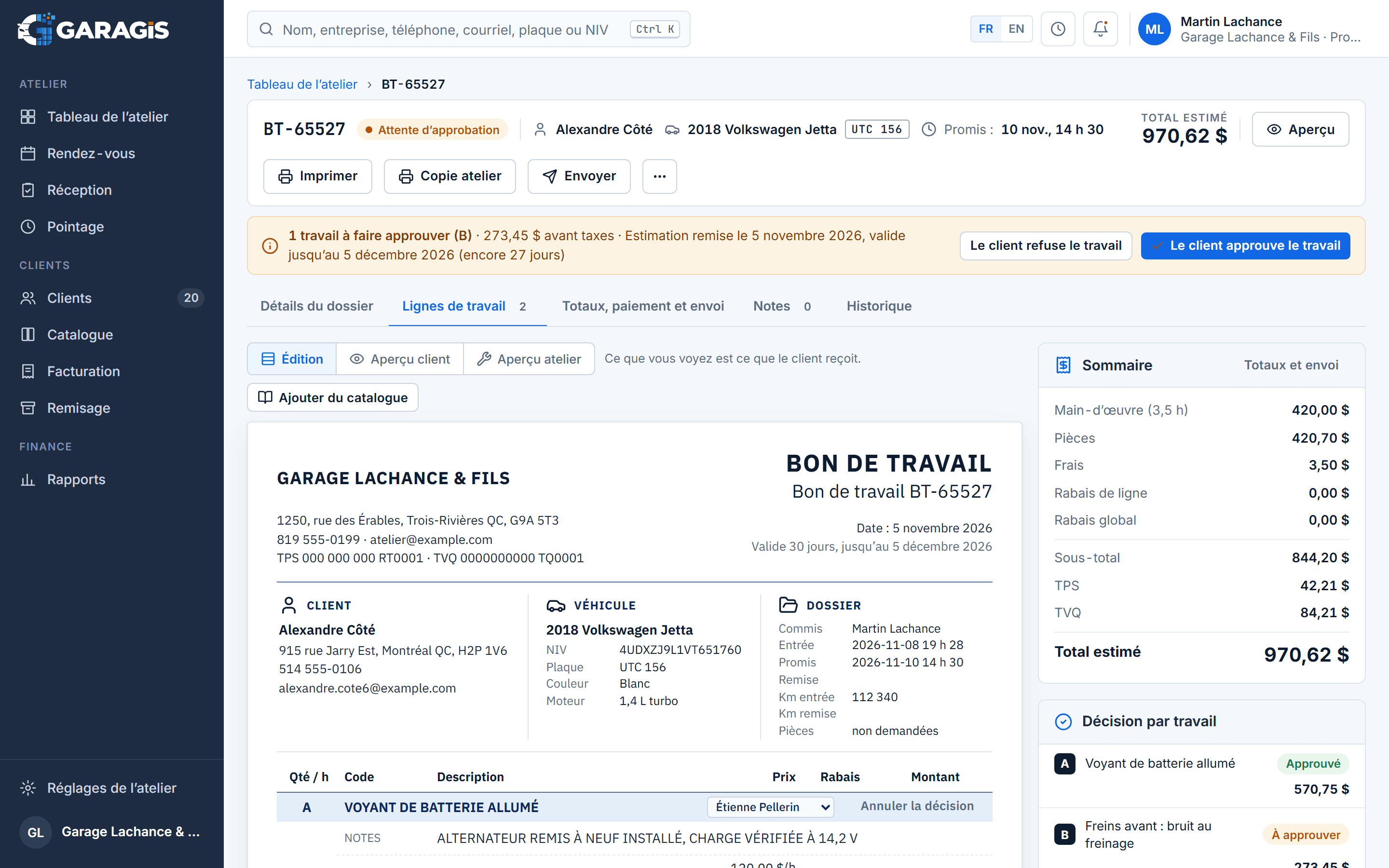
The flow
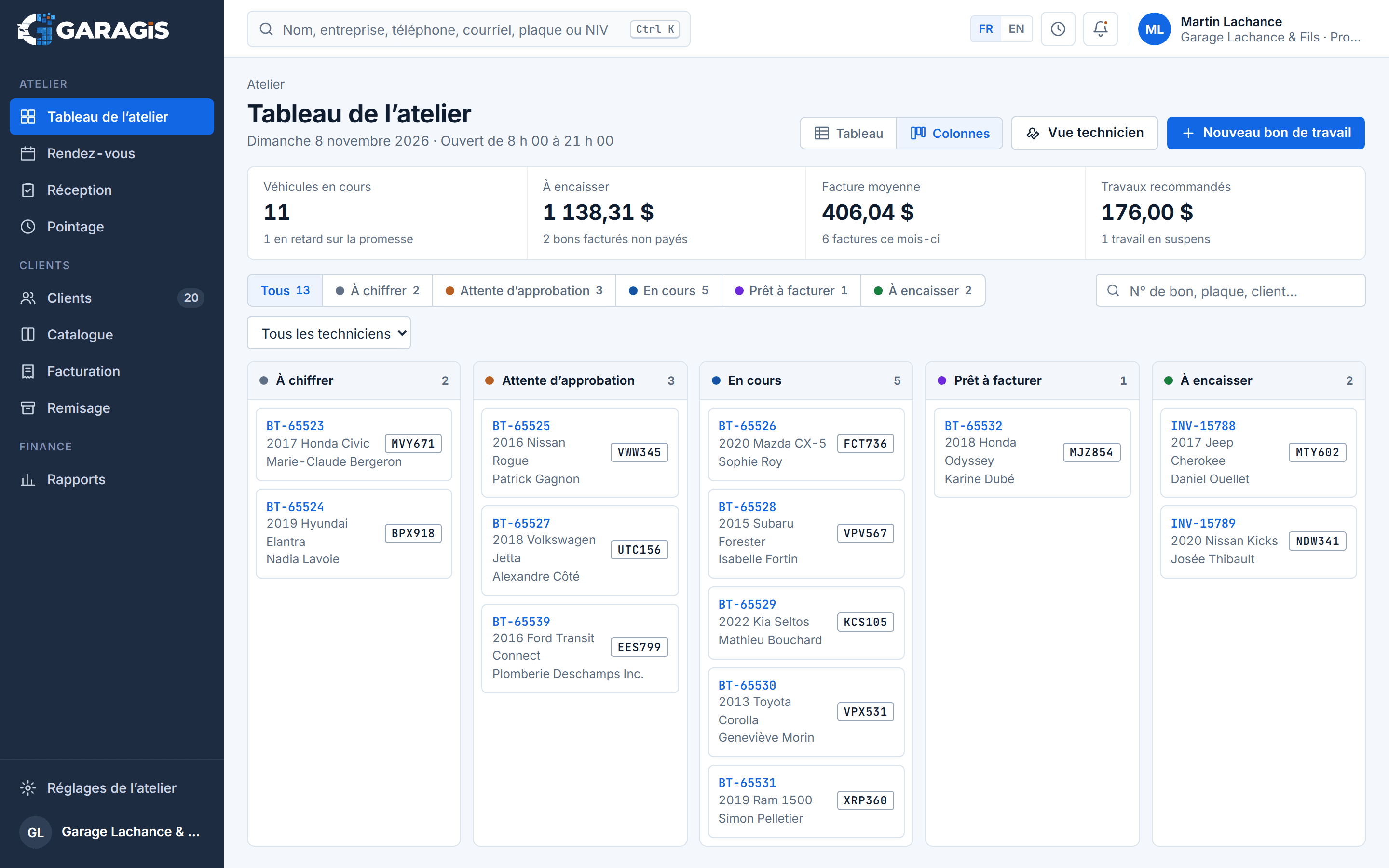
Nothing to copy from one sheet to the next: each step picks up what the previous one wrote.
The customer calls, you find the slot in the calendar. The vehicle is already linked to its record.
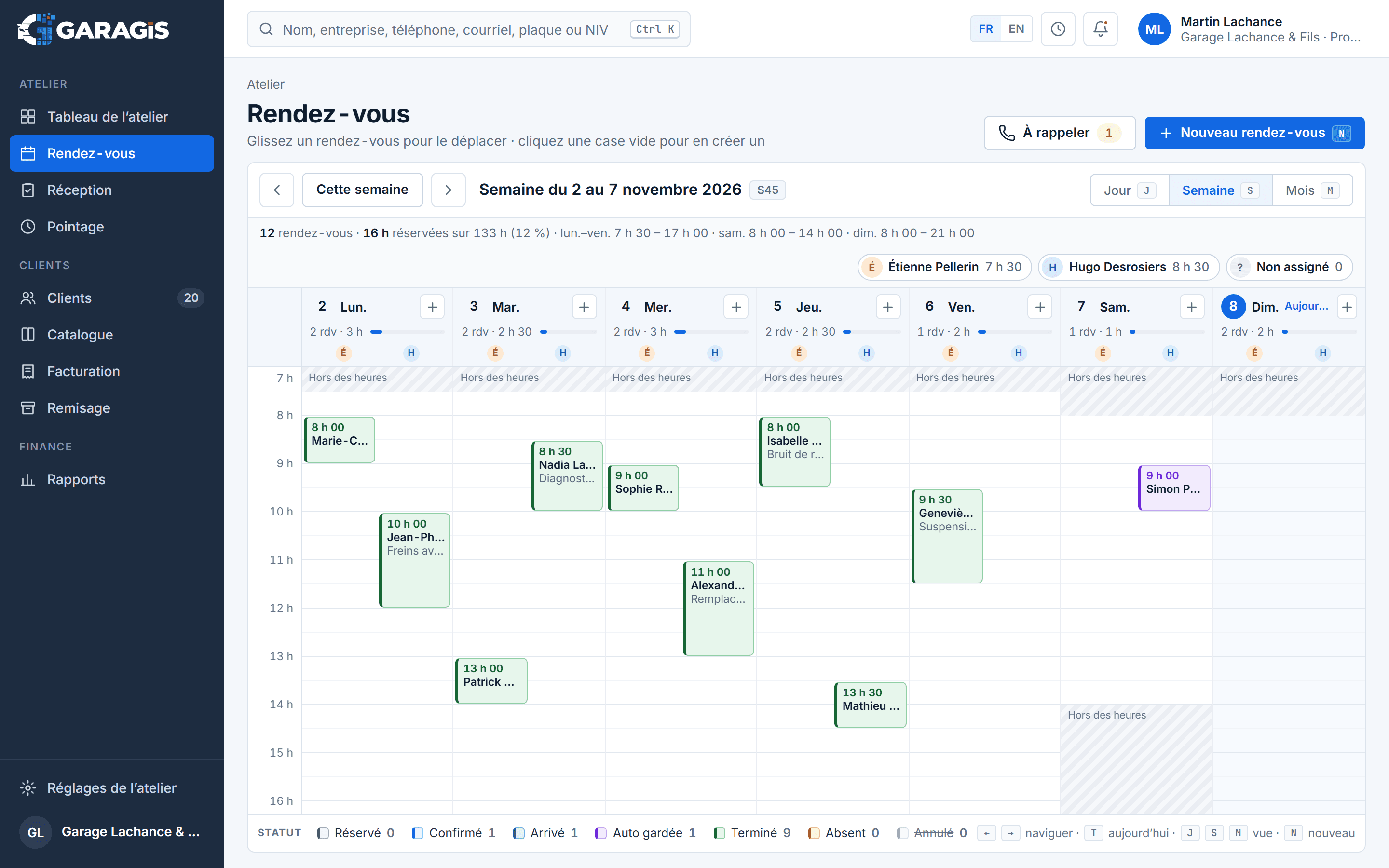
On arrival: mileage, plate, VIN and what the customer tells you, noted at the counter.
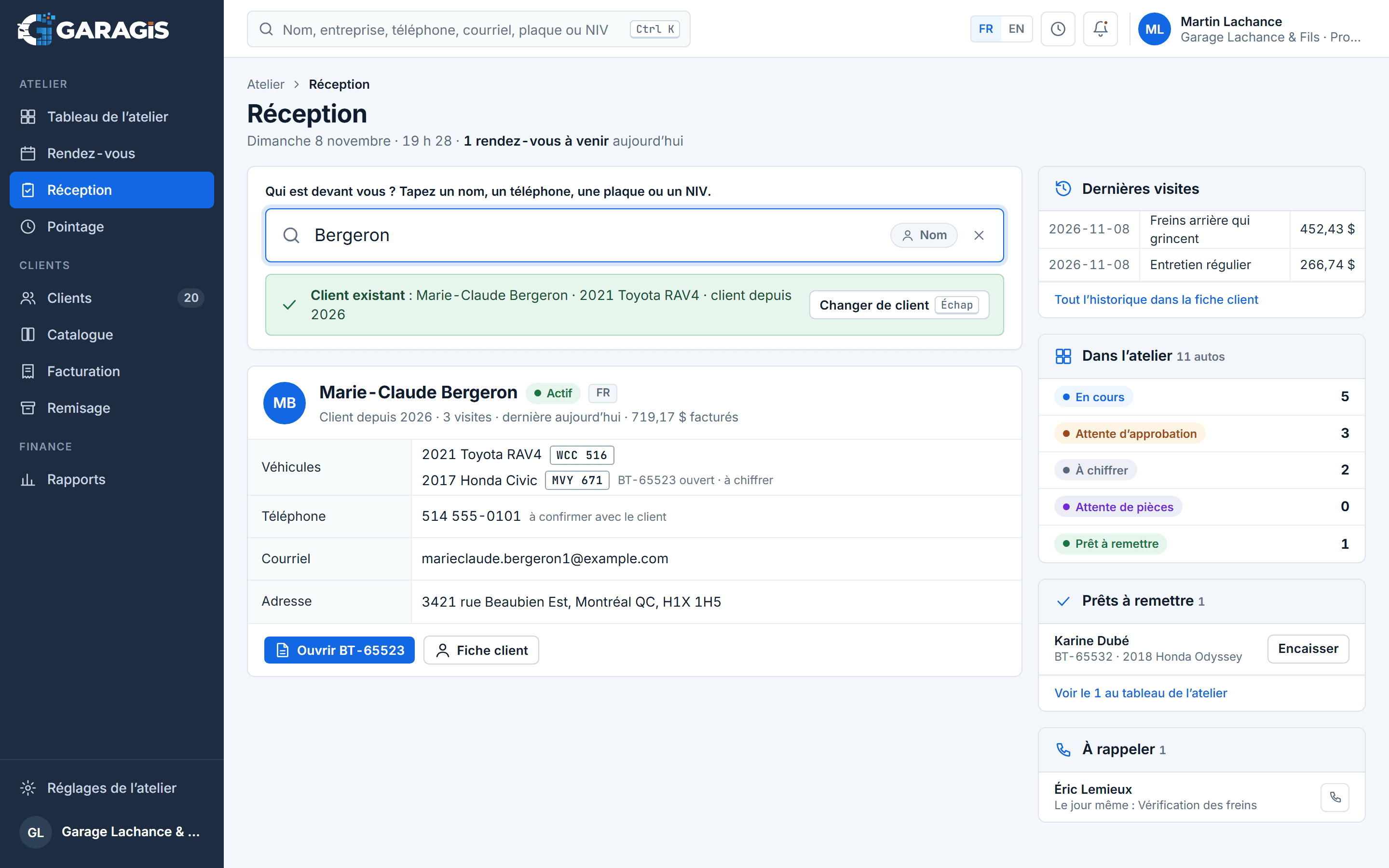
Parts and labour pulled from the catalogue, assigned to a technician.
The customer gets the written estimate on their phone. Their approval is noted before work starts, with the time.
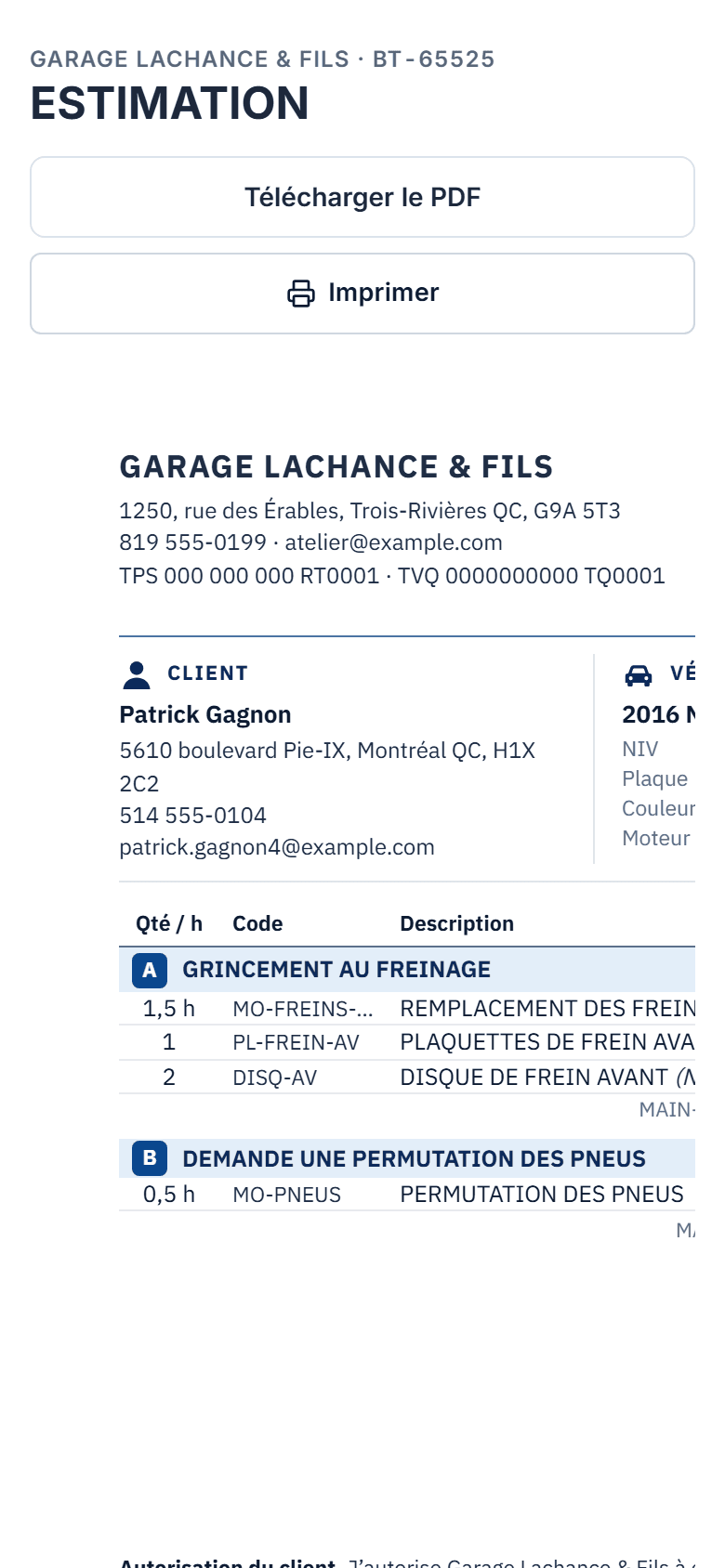 On a phone
The technician follows the work order on a tablet, at the vehicle. The shop board updates.
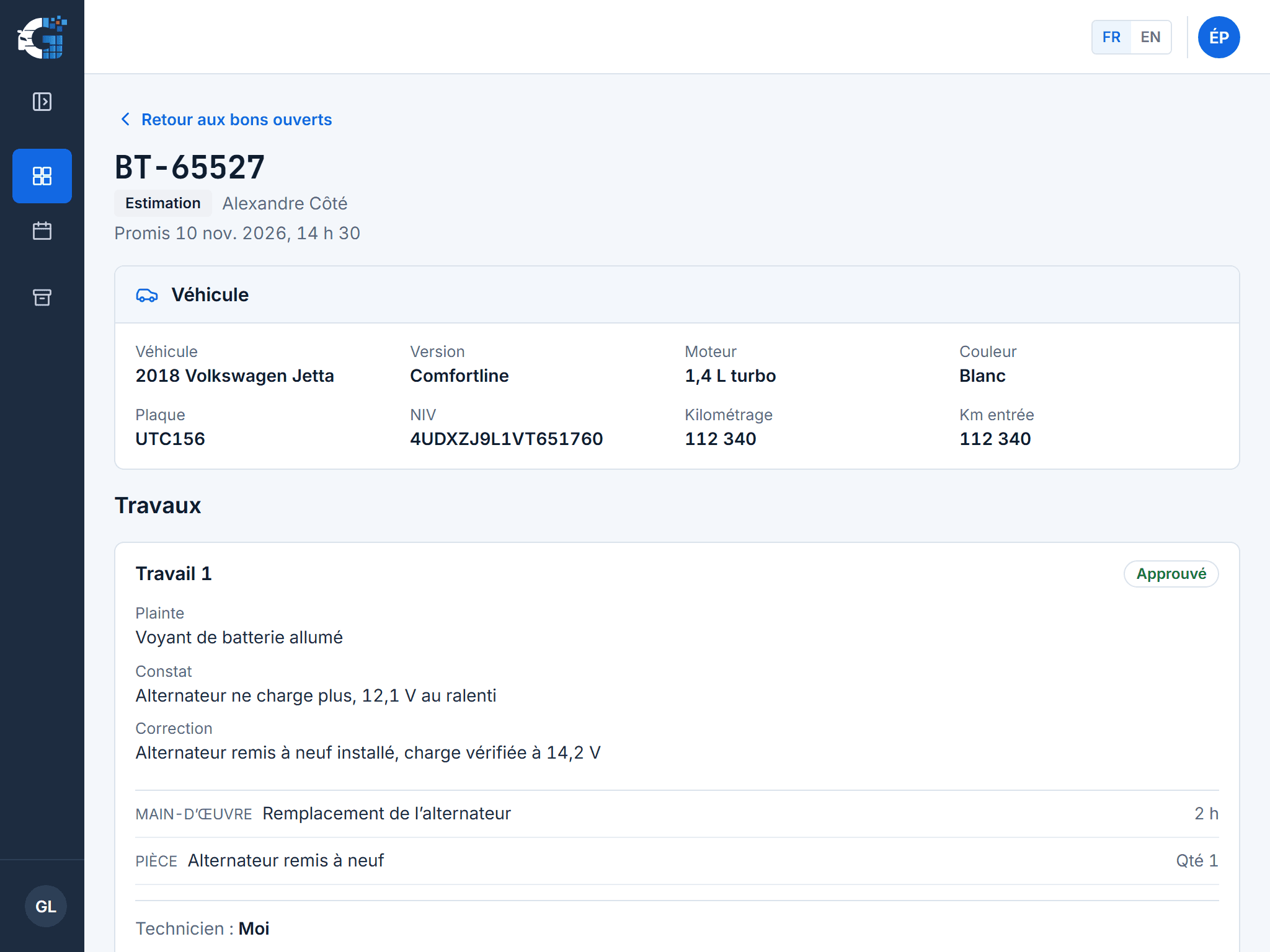 On a tablet
The invoice carries over the work order, with GST and QST calculated, the mileage and the warranty.
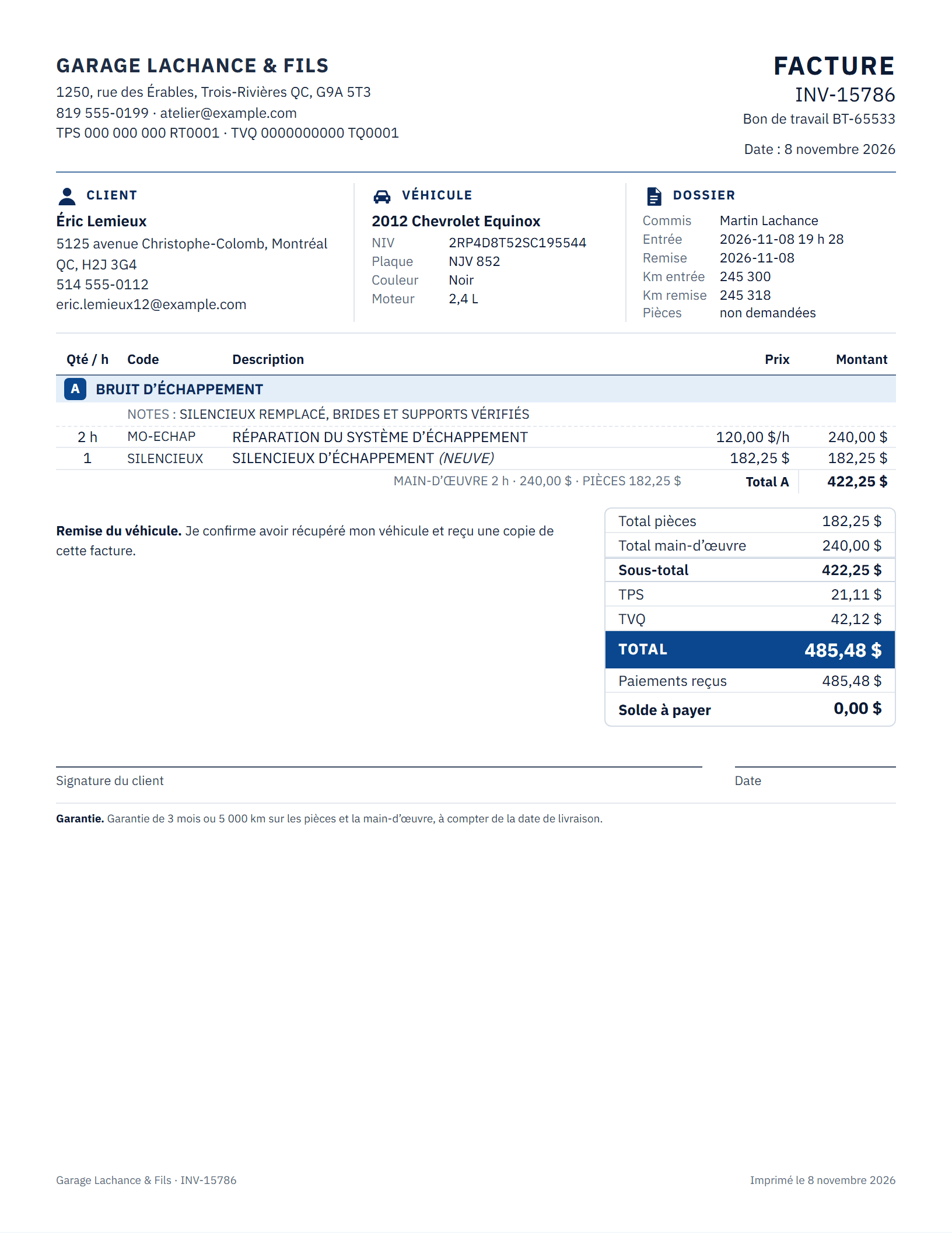
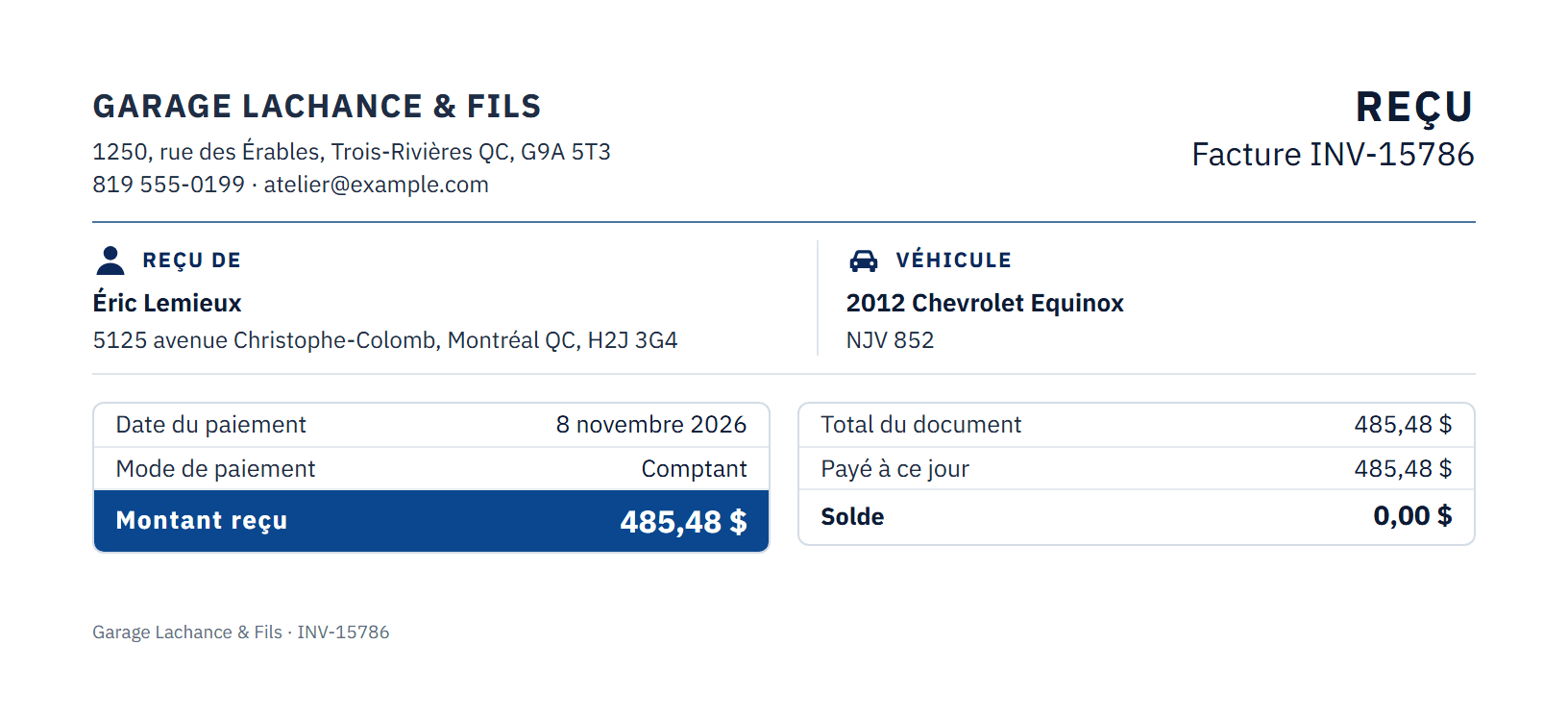
Payment recorded, balance at zero, vehicle record ready for the next visit.
Documents and taxes
The written estimate before work, the customer's approval, then an invoice with GST and QST.
Elsewhere in Canada: HST, or GST and PST depending on the province. Planned.
Where it's used
Plans
A limited number of garages, a price set with each one, in exchange for your feedback. Call us.
In all honesty
GARAGIS exports your invoices and payments as CSV. Your accountant keeps their software.
A custom bridge is possible.
Connect the twoYou order from your usual suppliers. The catalogue keeps your prices.
A custom bridge is possible.
Connect a supplierRoles manage technicians' access, not their pay.
A custom bridge is possible.
Export the hoursNeed a bridge between GARAGIS and one of these tools? That is a custom project, on a written estimate.
Let's talk about your garage
Twenty minutes by video, in French or in English. You see the software on a sample repair.
Or write to info@garagis.ca